All posts
Release notes2 min read
v7.6.0: Ticket claiming and new verification methods
Appy team
Features and enhancements
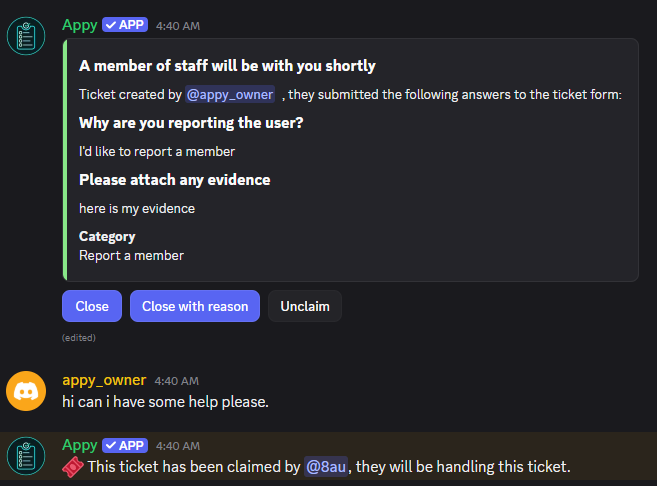
- New free feature: Added ticket claiming/unclaiming functionality
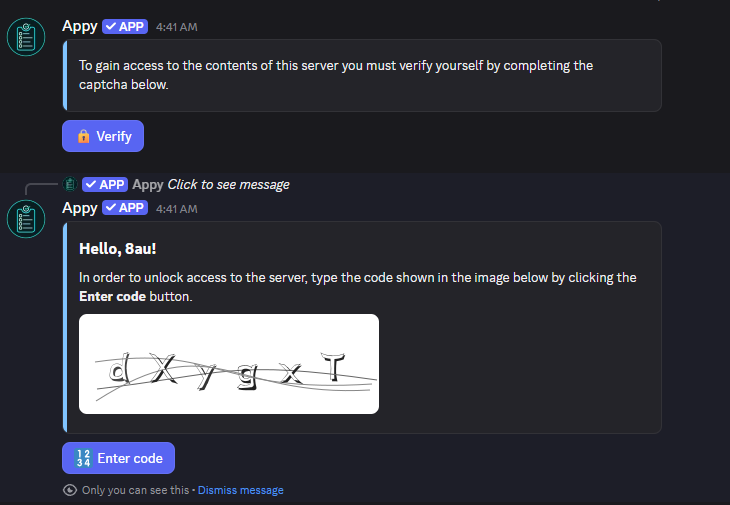
- New premium feature: Added new verification methods:
image- user has to write a numeric code from an image into an input box.button- user has to click a button on a message. - Added appy feature analytics page onto dashboard
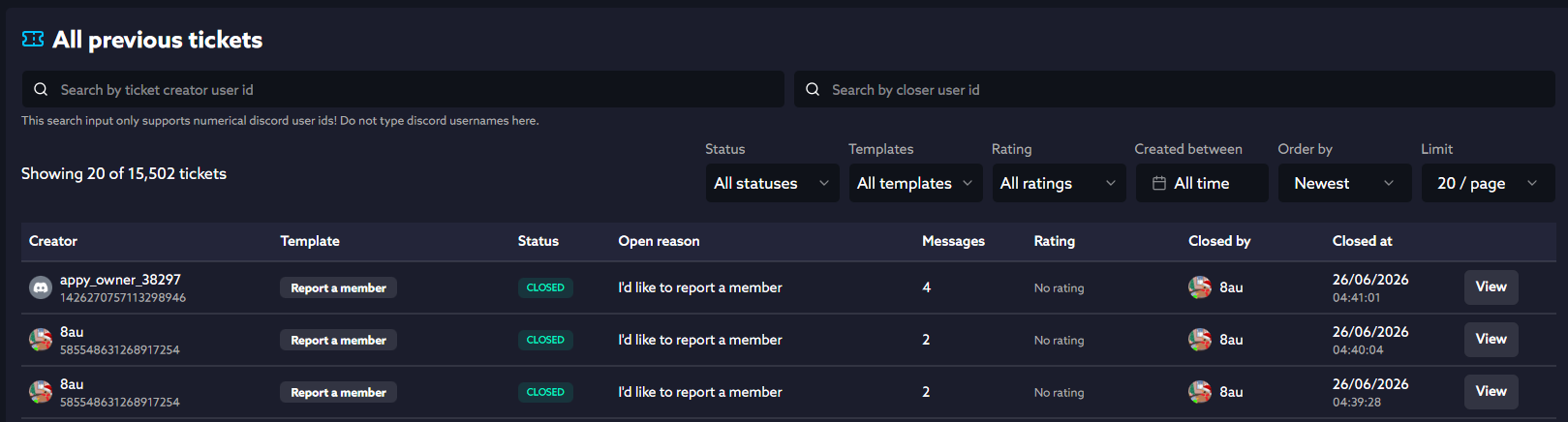
- Redesigned the ticket overview page and added more filter/searching functionality
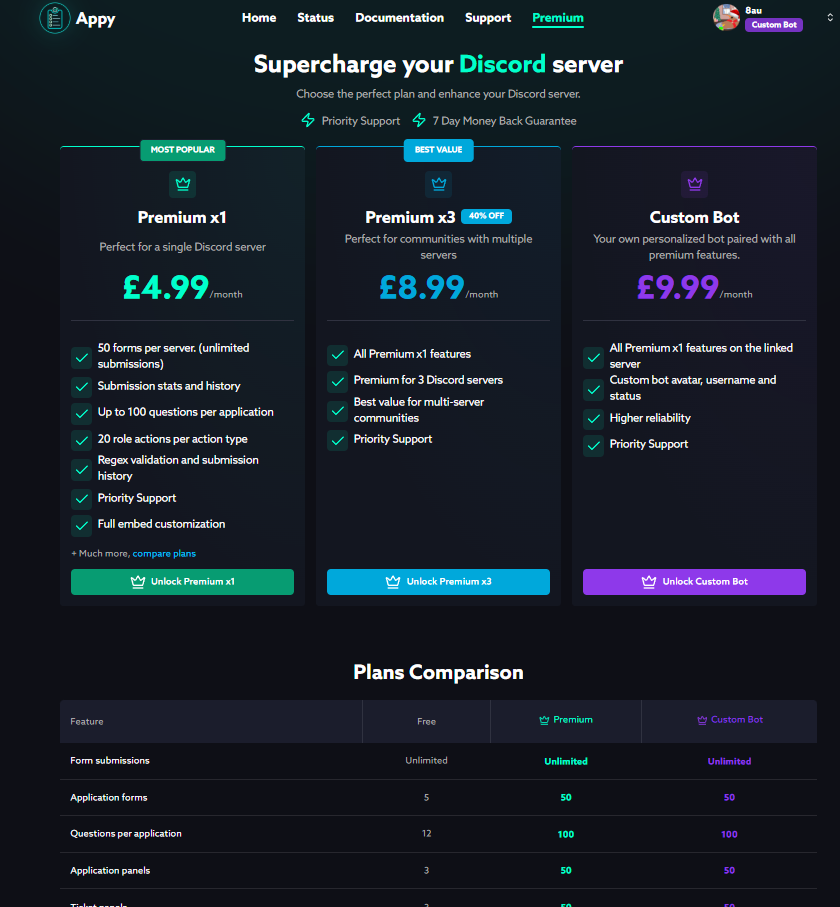
- Redesigned premium page (shameless plug)
- Slightly updated the ui of application questions/ticket form questions so they are a little easier to read
- Added a duplicate button onto application questions (dashboard)
- Added new
cancel applicationbutton/confirmation modal - Added
sent frombuttons onto accepted/denied application messages so the user doesn't sit there wondering which server the message came from. - Added new welcomer variable:
{memberCount} - Added a refresh roles button onto verification settings page
Bug fixes
- Fixed an issue which caused quick responses to respond to the wrong message.
- Fixed an issue which would cause fonts to load in slower and cause layout shift on the dashboard
- Fixed an issue which would allow people to put excel formulas in their submission answers which could then potentially execute when an admin exported their forms and opened the spreadsheet
- Fixed multiple issues with some premium perks not being removed when a users subscription expires
- Fixed issue with the signout button not updating the user profile dropdown on the public navbar, making it appear that you did not sign out.
- Fixed an issue which would cause incorrect member counter values
- Fixed an issue which would allow people to set minimum verification timeout to 0 seconds, making it impossible to verify.
- Fixed issue with the ordering of ticket transcripts on overview page